
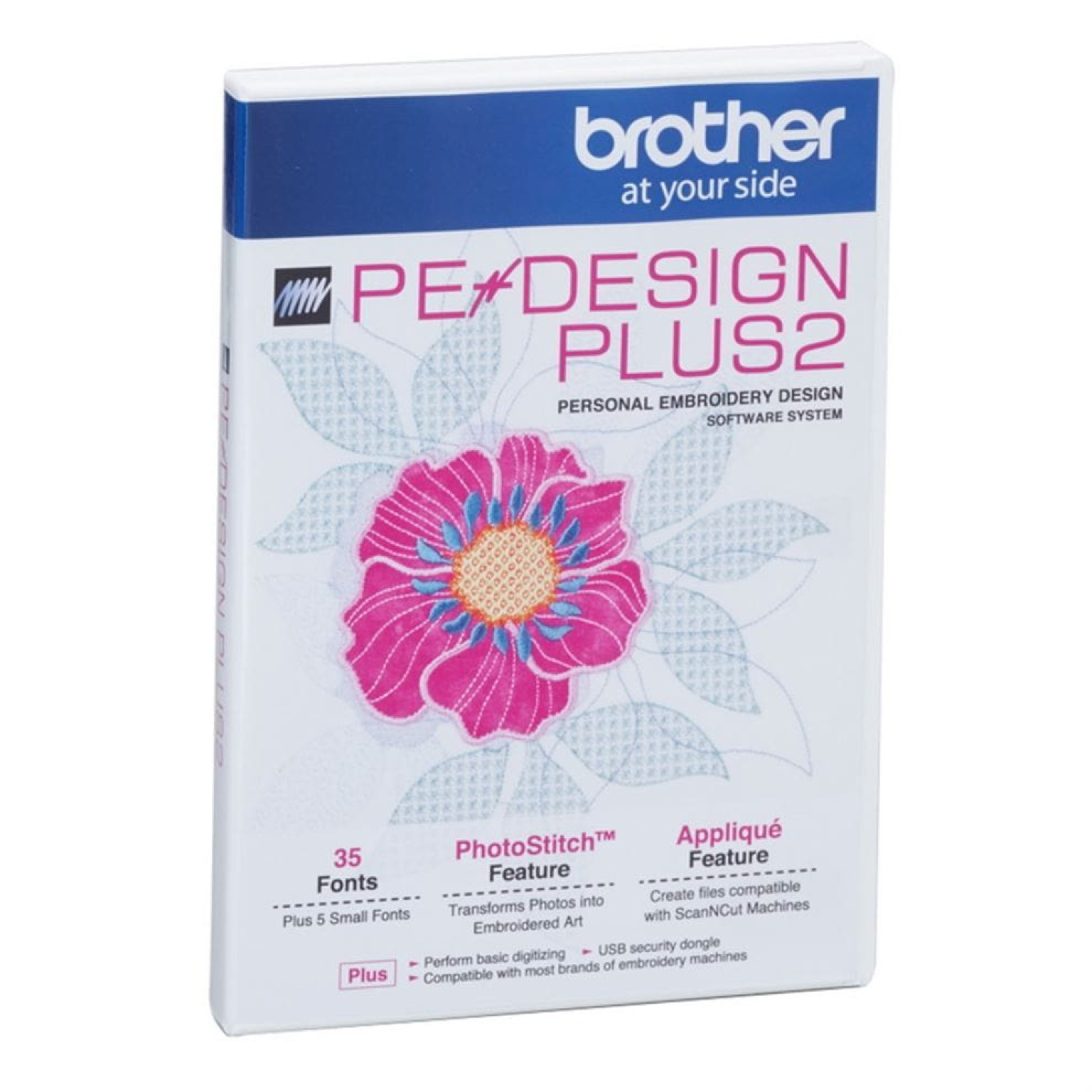
Brother PE Design PLUS 2 Embroidery Software
PE design Plus 2 is compatible with a huge number of embroidery machine formats, you can take your family photos and turn them into thread art instantly.
Advanced, user-friendly graphical interface makes using PE Design Plus 2 as intuitive as using most popular computer-based programs:
- Quickly identify program functions with intuitive icons
- Customize favorite operations on the toolbar
- Watch it sew on screen with the sewing simulator
- Edit your embroidery while viewing a realistic image of it
Enjoy these exceptional design and editing features:
- Design library, with various designs and shapes including Rectangle, Circle, Heart and Star
- Automatically convert an photo into embroidery with the PhotoStitch
- Auto-Punch will automatically convert a image into an embroidery
- Cross Stitch functions
- Design stitch count is automatically recalculated when your design is resized
- Scale, Rotate, Flip designs
- Create custom hoop sizes - perfect for most brands of embroidery machines
- Organize stitch files
- 35 fonts included
- 287 built in embroideries included
- Print out your design templates
The options are endless for what can be achieved using the new version 2 PED Plus software. You can download embroidery designs form the Internet in any one of the most popular embroidery machine formats, edit and add lettering until its just the way you want. Then using a USB memory stick, pop it in to your computer and save your new design in Brother embroidery machine format .pes (or Singer .xxx, Husqvarna .hus/.shv, Janome .jef/.sew, Pfaff .vip/.pcs, Bernina .pes and other universal formats dst , exp, csd)
When you ready pop the USB memory stick into any one of the newer Brother embroidery machines and stitch away. Simply save the newly created design onto a memory stick and insert it into the machine. You dont need to have the machine and the computer in the same room.
Features:
- Compatible with all Brother embroidery machines.
- USB dongle security.
- 35 Built-in fonts - Enables you to add lettering to your project from one of the built-in fonts. Fonts can be scaled to the desired size.
- Text transformations - Transform text into the shape you require. Can be sewn filled or just the outline of the text can be sewn.
- Stitch styles - Create designs and apply the stitch style you require to any area of the design.
- Combine designs - import many different design and text, even curve lettering all in one hoop.
- Region sewing styles - Choose from satin and fill stitch to customise your design.
- Realistic preview and print function - Preview or print your design to show exactly how your design will be sewn, showing stitch directions and any programmable fill stitches applied .
- Stitch Simulator - like a video it shows how the design will be sewn out on screen before you start stitching.
- Embroidery hoop selection - Enables your to set the size of the hoop you are embroidering. Supports large embroidery design sizes.
- File image import formats - Enables you to convert vector images and a range of popular used image formats .bmp, .tif, .jpg, .pcx, .wmf, .eps amoung others.
- Import and export embroidery designs in formats - .pes, .dst, .exp, .pcs, .hus, .vip, .shv, .jef, .sew, .csd, and .xxx.
- Automatic punching wizard - Makes opening and creating stitch data simple, quickly converts PC graphic files to embroidery data.
- Phot-Stitch - Turn your favorite photo into an embroidery design
- Sewing order - Easily change the sewing order by dragging and dropping the colour areas into position.
Whats Included in the box:
- PE Design Plus 2 digitizing software
- USB dongle
- Printed instruction book